Secure navigator menus
You need the admin rights to use this feature.
Menus allow administrators to create and manage navigation items within the application. Each menu item can be associated with specific privileges to control access.
Only users whose roles contain the required privileges will be able to view and access the corresponding menu items. This ensures that application navigation is restricted according to the user’s assigned permissions.
Administrators can create, manage, import, and export menu configurations to facilitate configuration management, backup, or migration across environments.
Manage the menus
To manage the navigator menus, perform the following:
-
In the KAIZEN studio console, on the left panel, click Access Controller > Menus.
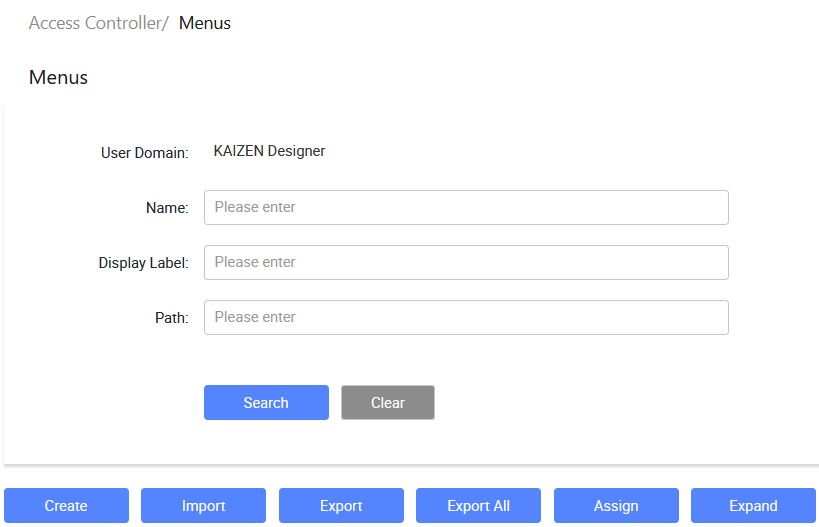
The Access Controller/ Menus page displays.
-
From here, you can create new menus, import or export menus, assign privileges to a menu, and so on.
Create a navigator menu
-
In Access Controller/ Menus, click Create.
-
In the Create Navigator window, enter the navigator menu information in these fields and click Save.
Last updated on 20 May 2026