Work with custom code snippets
The Source Code Panel in KAIZEN App Designer allows experienced users to write custom JavaScript code to extend the functionality of their applications. It provides direct access to the underlying code for a page or a component.
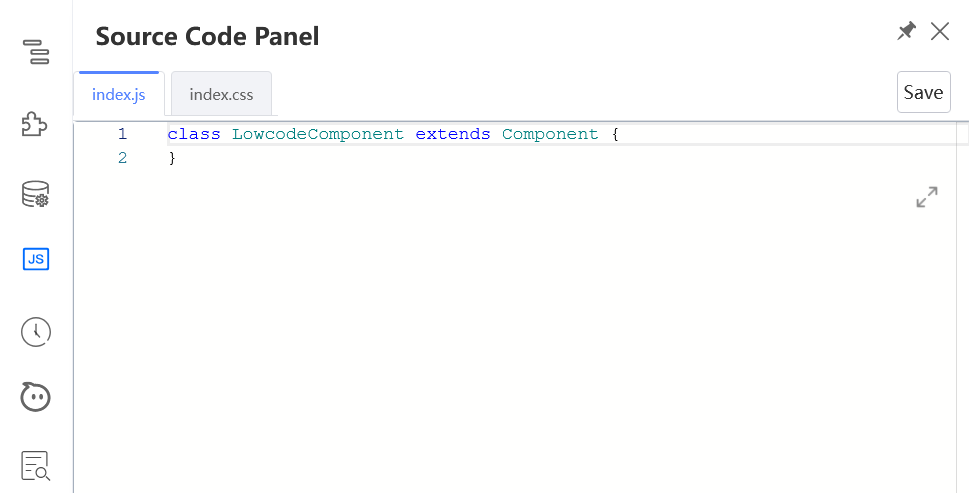
-
Handle complex logic: Implement custom logic for components not covered by the standard visual tools.
-
Manage component events: Add and define event handler functions, such as
onClickoronChange, and write their corresponding JavaScript logic. -
Define state and utilities: Create state variables and utility functions to manage dynamic features like multi-step forms, custom validation, and complex data binding.
Datasource mapping and code example
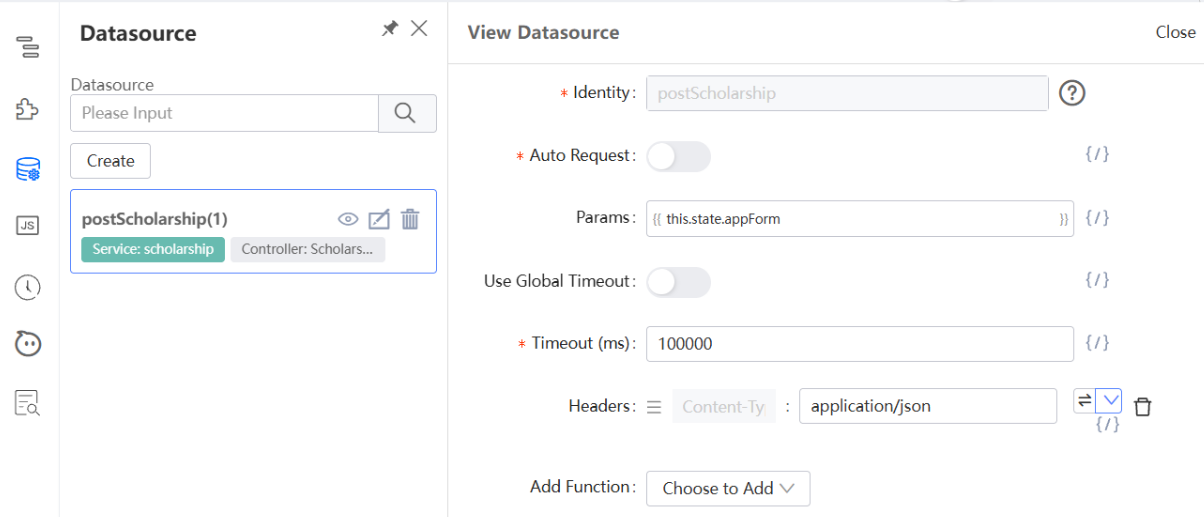
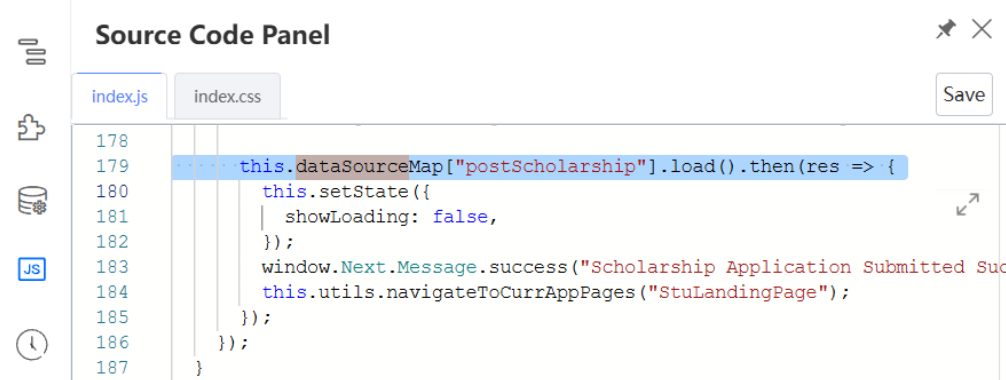
After configuring a datasource in the App Designer, you need to map it with custom JS code in the Source Code Panel to call this datasource.
In this example, the postScholarship datasource is used for sending scholarship applications to the server.
this.dataSourceMap is a built-in object that holds references to all datasources configured for a page. It maps the datasource name to the corresponding datasource object.
Last updated on 20 May 2026