Bind the event for page linking
In addition to the main menu, the user often need to navigate users based on their actions, such as after they click a login button or submit a form. This is achieved by binding a navigation function to a component's event.
To link the pages, perform the following:
-
Write the navigation function: In the Source Code Panel, write a JavaScript function that uses the built-in KAIZEN utility for navigation. You must provide the target PageID.
For example, to link the login page to the landing page, the target PageID is
LandingPage.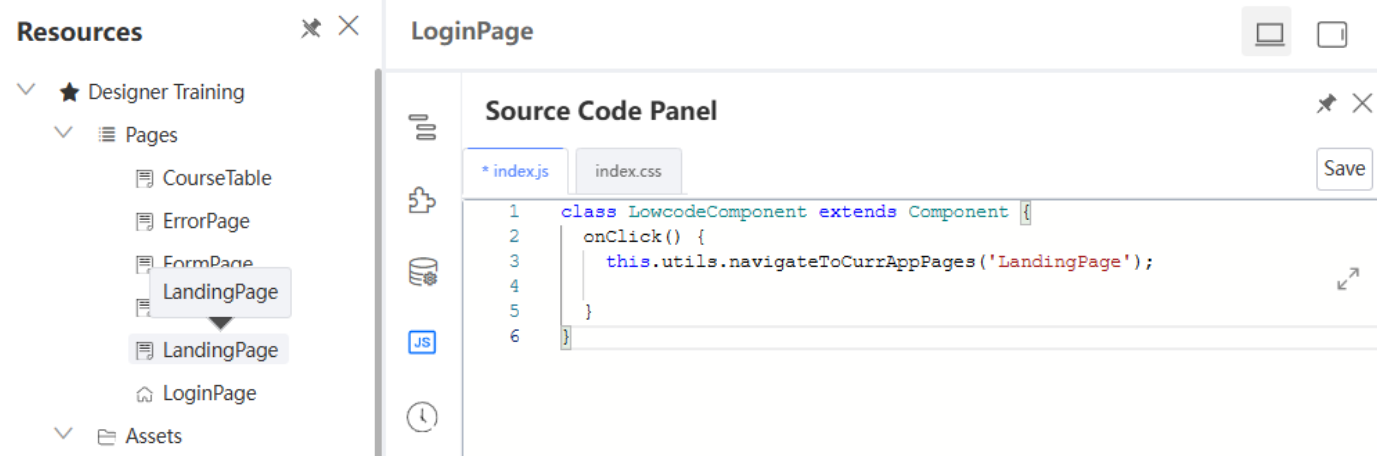
-
Select the trigger component: In the App Designer, click on the component that will trigger the navigation e.g., a Login button.
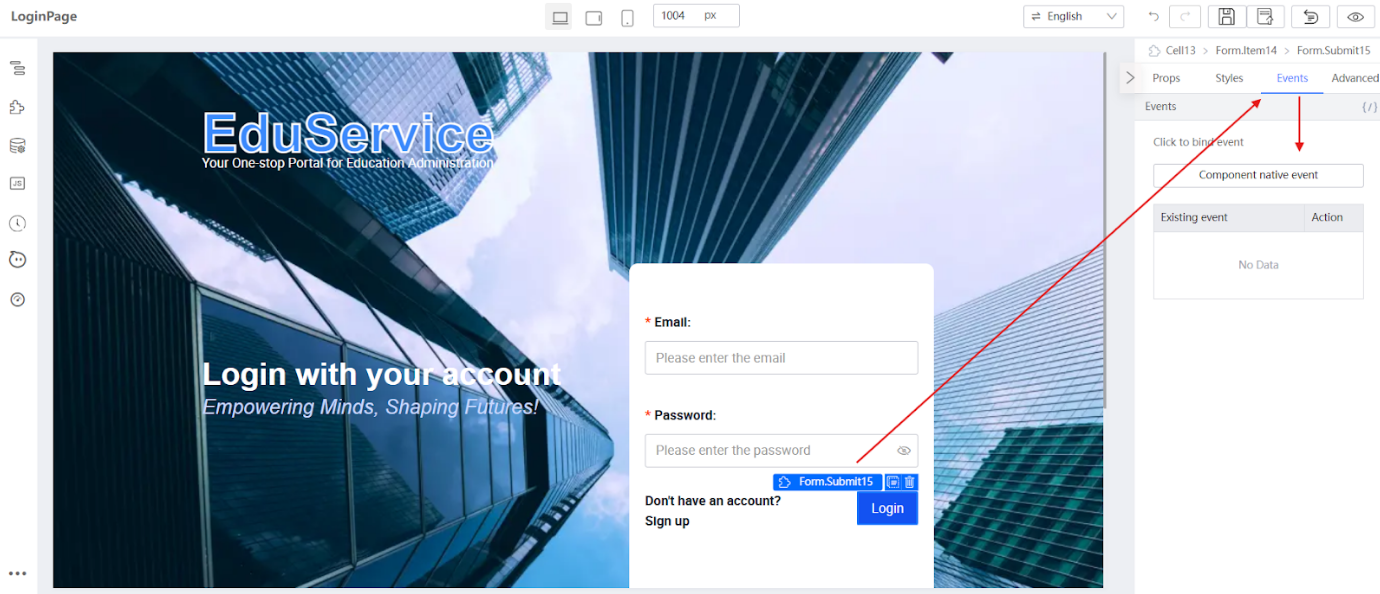
-
Bind the event: With the button selected, go to the Events tab in the Setter Plugin. Bind the
onClickevent to the navigation function. Click Confirm.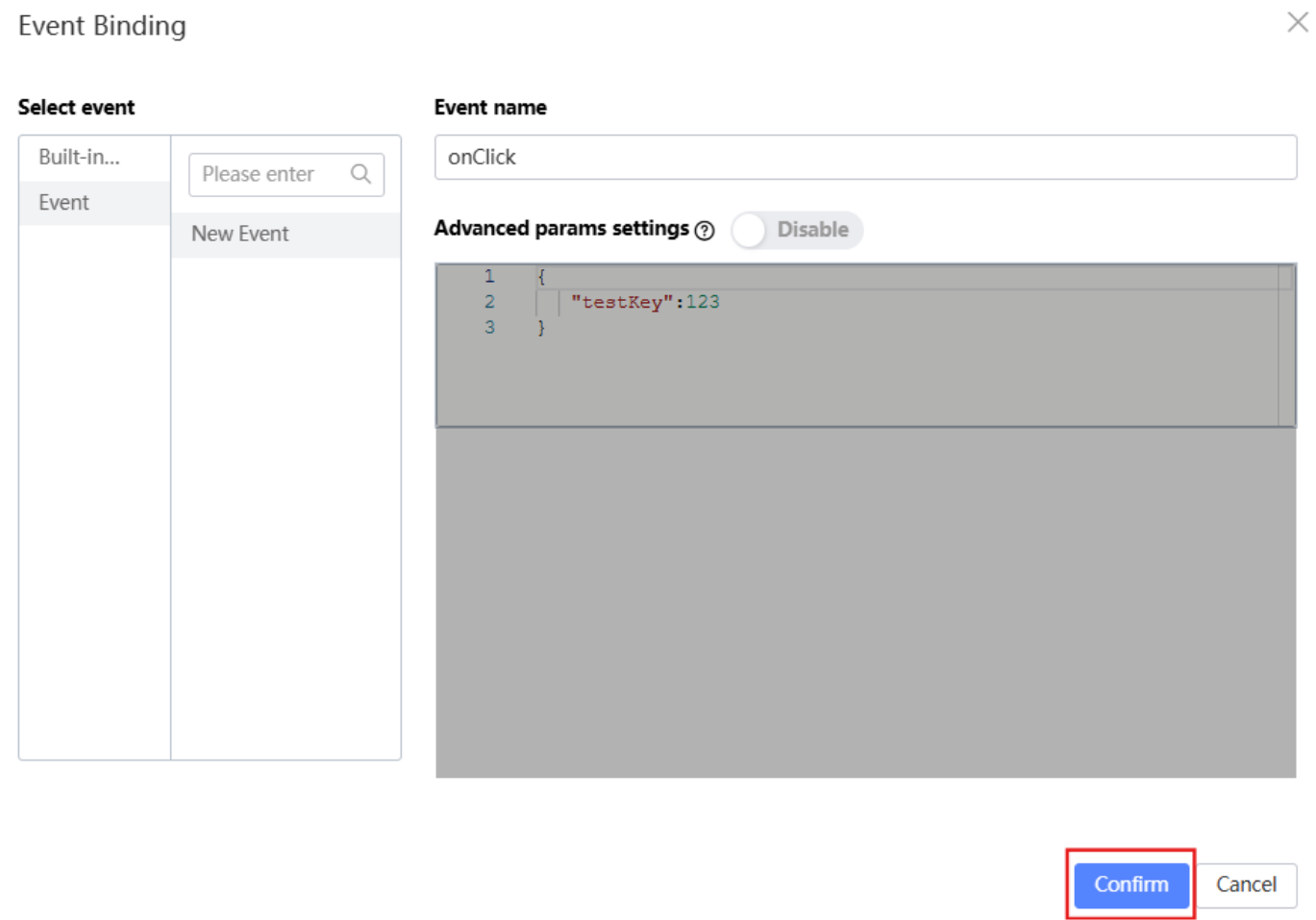
Upon successful binding, when a user clicks the Login button, the application will navigate them to the target page.
Last updated on 20 May 2026