Manage assignments
You need the admin rights to use this feature. Assignments are not created directly in the Assignments page. Privilege-to-menu, privilege-to-endpoint, and privilege-to-role mappings can be managed from the Access Controller > Menu, Access Controller > Endpoint, and Access Controller > Role pages respectively. User-role assignments can be managed from the Access Controller > Users page by selecting a user.
Assignments in KAIZEN define the relationships between privileges, roles, menus, endpoints, and users. Through the Assignments section in Access Controller, administrators can view, search, import, and export these mappings to control how access is structured across the system.
Assignments work together with the other Access Controller components:
- Privileges define individual permissions for specific actions or resources.
- Roles group privileges together for easier management.
- Assignments connect these elements by mapping privileges to menus, endpoints, and roles, and by mapping roles to users.
Manage assignments
To manage assignments, perform the following:
-
In Access Controller/ Assignments, select the assignment category:
- Menu Assignments
- Endpoint Assignments
- Role Assignments
- User Assignments
The selected assignment page displays with a search form and results table.
-
From here, you can manage the corresponding assignments. Each row in the table provides the following actions under the Actions column:
- View: Opens the assignment details in read-only mode.
- More: Expands a dropdown with additional actions: Edit and Export.
Menu assignments
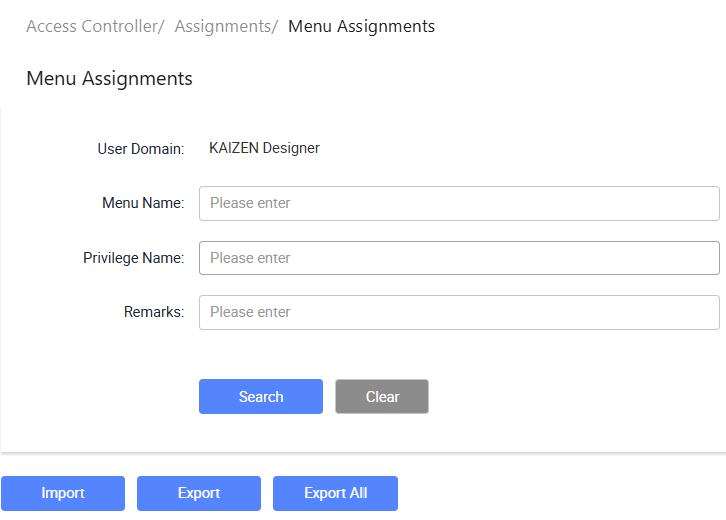
Manages the mapping between privileges and menu items. This determines which menus are accessible to users based on their assigned privileges.
- Search by User Domain, Menu Name, Privilege Name, or Remarks to find specific mappings.
- Use Import, Export and Export all to manage menu-privilege assignments across environments.
Endpoint assignments
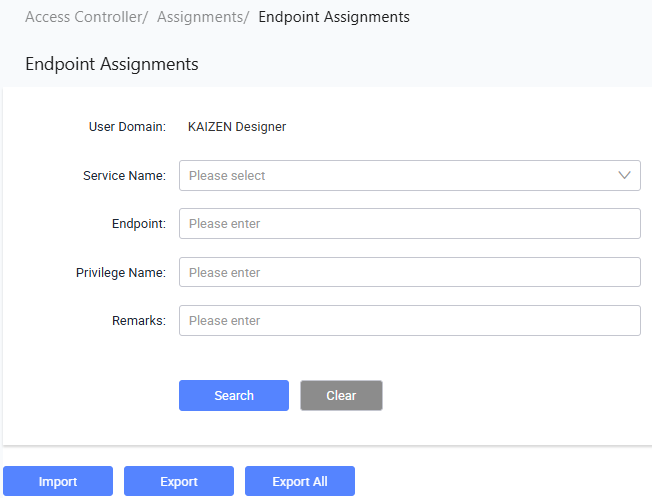
Manages the mapping between privileges and API endpoints. This controls which endpoints a user can call based on their assigned privileges.
- Search by User Domain, Service Name, Endpoint, Privilege Name, or Remarks to find specific mappings.
- Use Import, Export and Export all to manage endpoint-privilege assignments across environments.
Role assignments
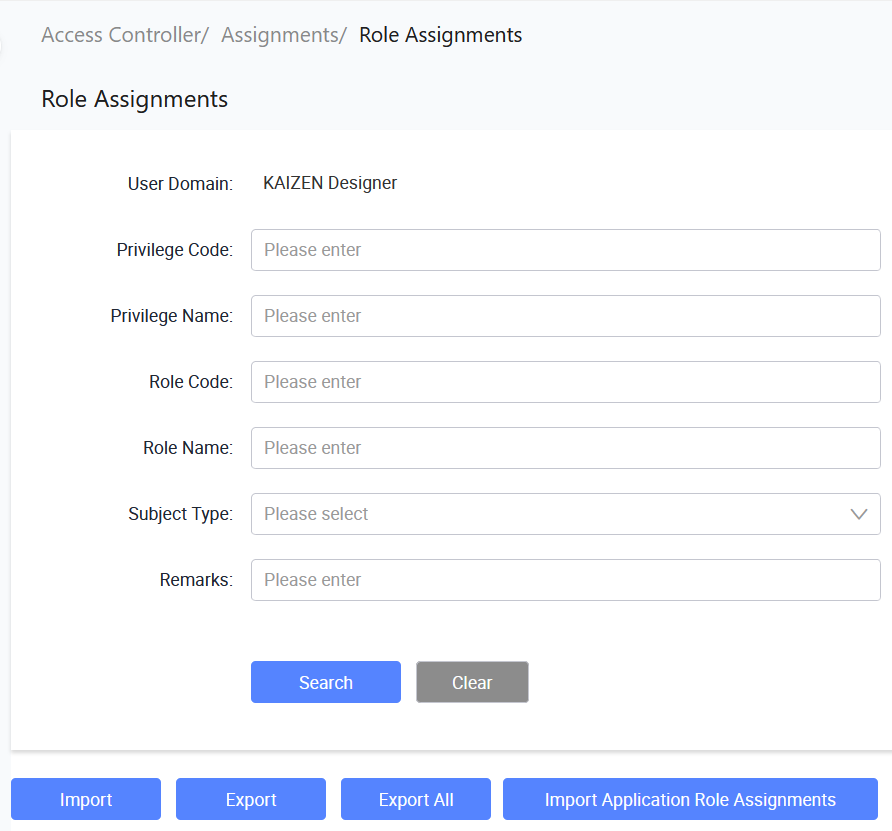
Manages the mapping between privileges and roles. This defines which privileges are included in each role.
- Search by User Domain, Privilege Code, Privilege Name, Role Code, Role Name, Subject Type, or Remarks to find specific mappings.
- Use Import, Export, and Export All to manage role-privilege assignments across environments.
- Use Import Application Role Assignments to import role assignments from an application configuration.
User assignments
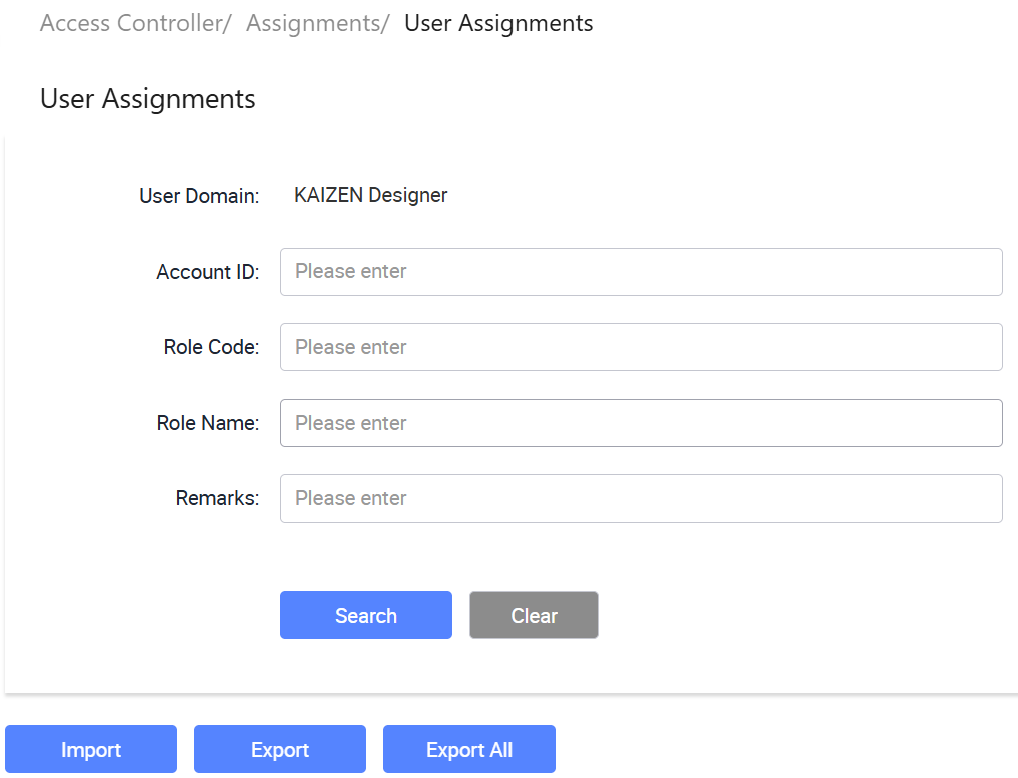
Manages the mapping between roles and users. This determines which roles are assigned to each user.
- Search by User Domain, Account ID, Role Code, Role Name, or Remarks to find specific mappings.
- Use Import, Export, and Export All to manage user-role assignments across environments.
Last updated on 21 Sep 2026