AI Agent Builder overview
With AI Agent Builder, you can prototype applications with ease by building AI workflows that perform streamlined actions, going beyond basic information retrieval and processing. Fully integrated into one ecosystem, AI Agent Builder lets you manage access controls natively without leaving the KAIZEN platform.
You can integrate AI workflows with Workflow Designer and use them to reduce repeated work. Create a blank flow or use a template as a starting point.
For comprehensive information on AI Agent Builder, refer to LangFlow documentation.
Access the AI Agent Builder
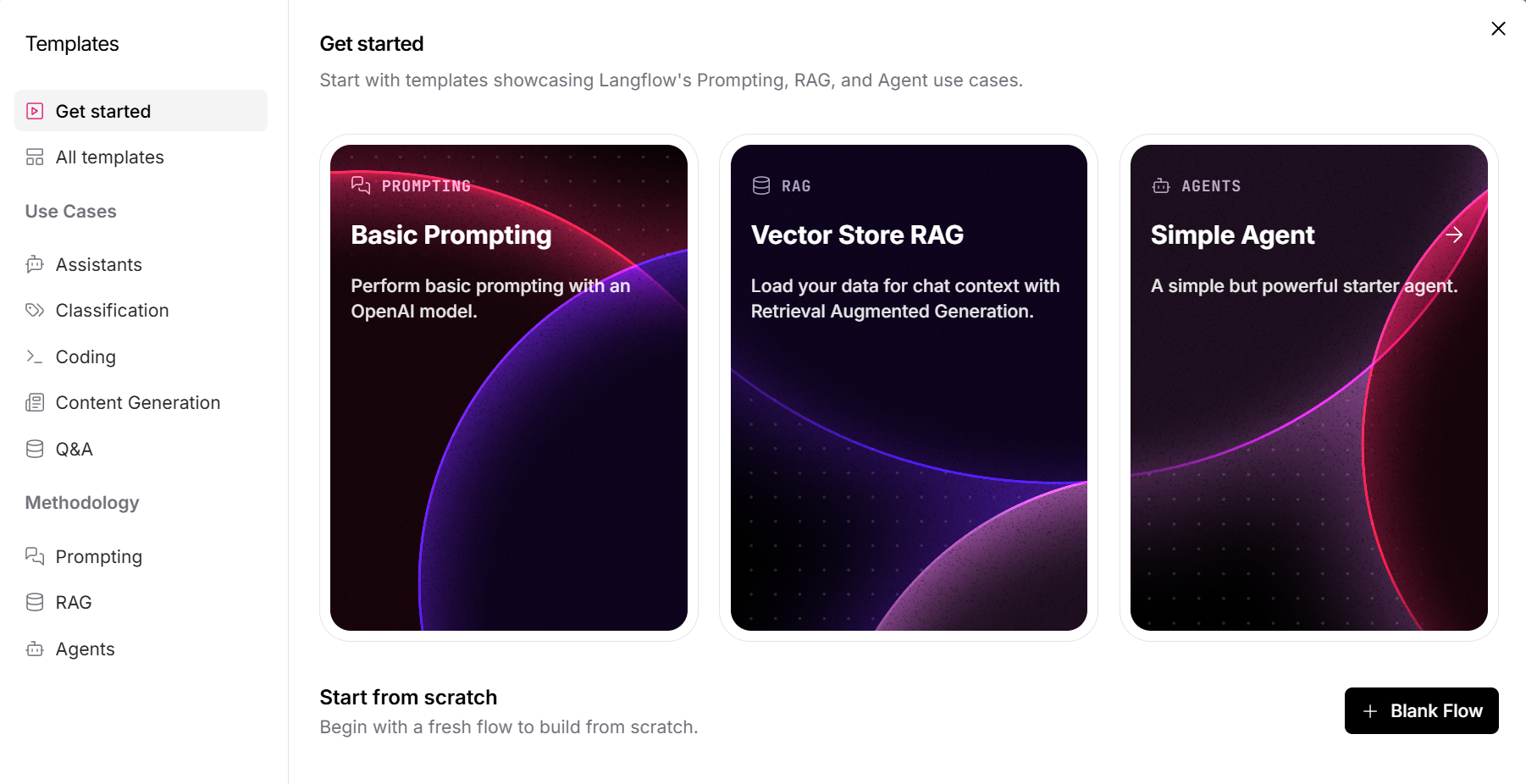
On your project toolbar, click AI Agent Builder  . The Get started window opens with featured templates:
- Basic Prompting: Perform basic prompting with an OpenAI model.
- Vector Store RAG: Load data to provide chat context with Retrieval Augmented Generation (RAG).
- Simple Agent: Start with a basic agent workflow.
Start from scratch with a blank flow
Use a blank flow when you want to build a workflow from the beginning.
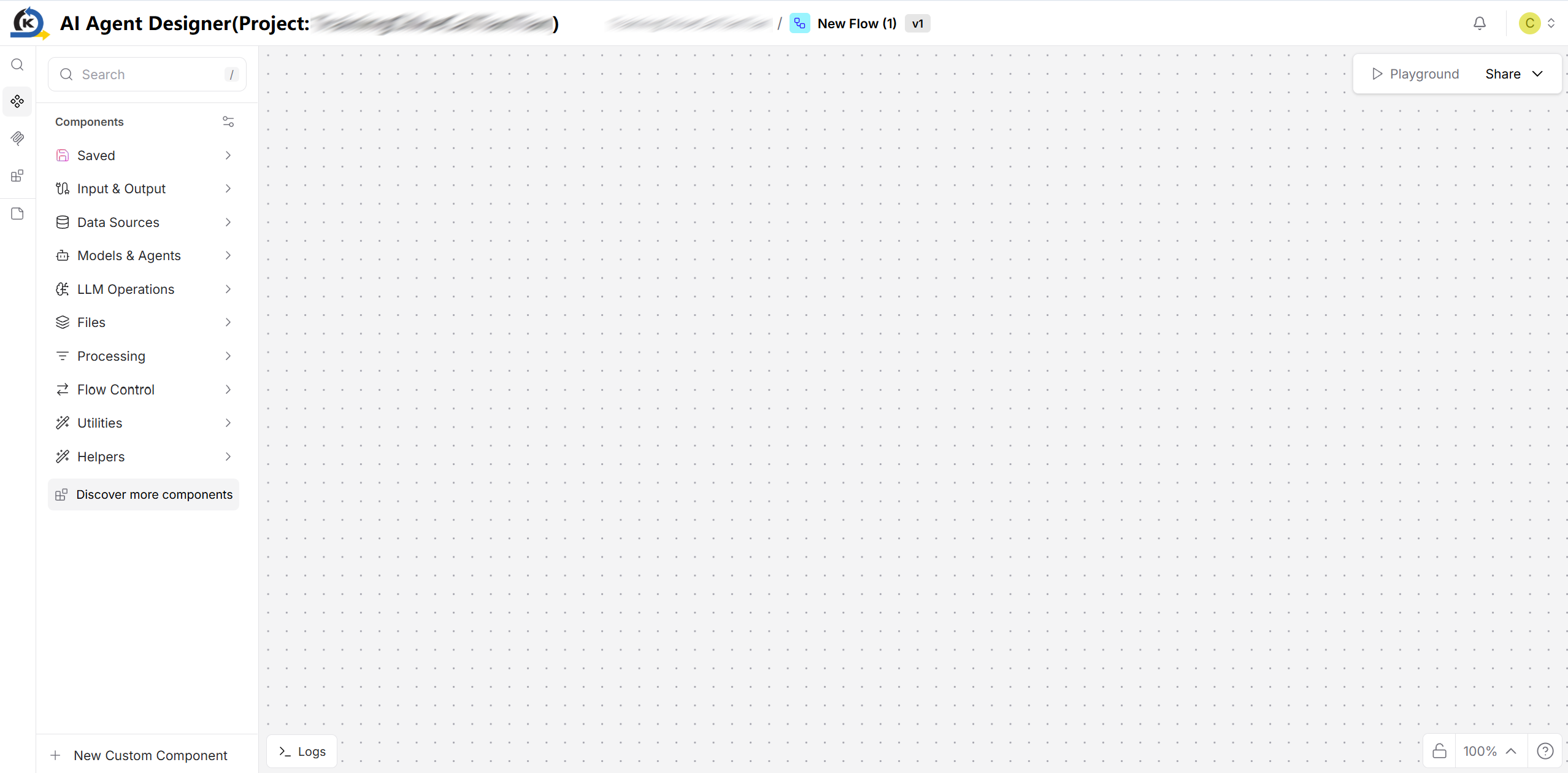
- On the template screen, click Blank Flow. The AI Agent Builder opens with an empty canvas.
- Drag components from the categories on the left and drop onto the canvas to create the flow.
Start from a template
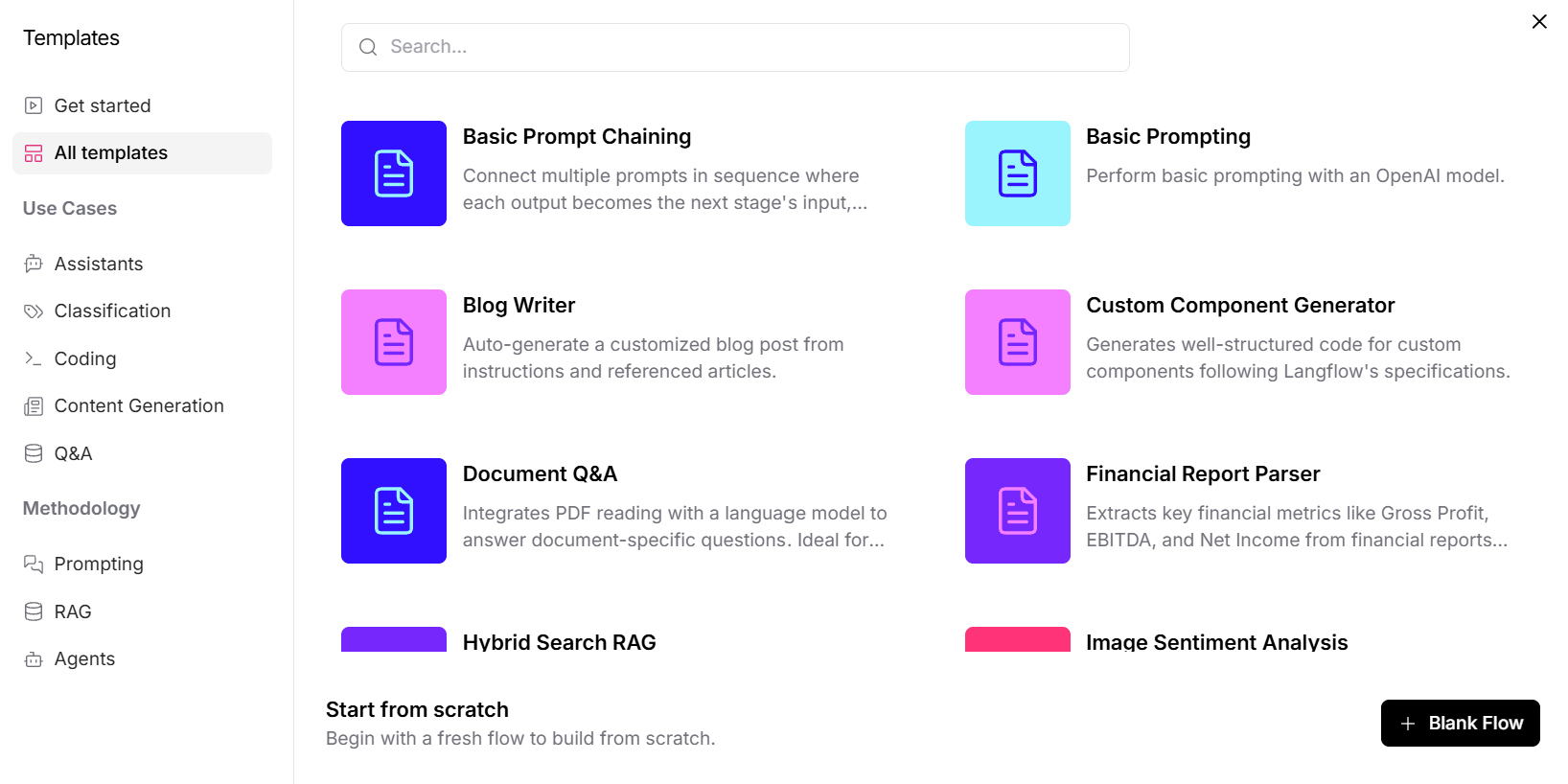
Use a template when you want to begin with an example for a particular use case or methodology. Click All templates to browse the available templates, or select a category from the left panel to narrow the list. Use the search field to find a template by name.
Use cases
Use cases group templates by the type of result they produce.
Assistants
Use Assistants templates for workflows that perform supporting tasks.
- Examples include summarising invoices, conducting market research, generating SEO keywords and more.
Classification
Choose Classification templates to analyse and categorise input.
- Examples classify the sentiment of images or text.
Coding
Select Coding templates to generate structured code.
- Examples include generating custom components and producing structured data for portfolio websites from resume documents.
Content generation
Leverage on Content generation templates to produce or summarise content.
- Examples include blog/social media content generation, parsing financial reports, summarising invoices and meetings and more.
Q&A
Adopt Q&A templates for workflows that answer questions using supplied data.
- Examples combine document reading or vector databases with language models to provide context for answers.
Methodology
Methodology groups templates by the approach used in the workflow.
Prompting
Use Prompting templates for workflows driven by one or more prompts.
- Examples include prompt chaining, content generation, report parsing and more.
RAG
Choose RAG templates for Retrieval Augmented Generation workflows.
- Examples include answering questions about PDF documents, using a vector store to supply chat context, and combining hybrid search with a vector database.
Agents
Select Agents templates for workflows built around agents that perform specialised tasks.
- Examples include content creation, invoice summarisation, market research, toolkit integration and more.
To create a flow or add a MCP server, refer to Work on the AI agent flow.
Last updated on 21 Sep 2026